The Audit That Sees What Others Miss
Standard tools only scan what loads on screen. navable goes deeper: across devices, through logins, and inside the dynamic states other scanners can't reach.
AI Semantic Analysis
AI judges whether your content actually works, like a human reviewer, not just a rule checker.
- Catches vague alt text and unclear "click here" links
- Validates headings against real content structure
- Covers the judgment-based WCAG that scanners can't
AI Path Finder
Describe a goal in plain language. The AI navigates there and audits every step. No scripting.
- Audits pages behind logins and paywalls
- Tests checkout flows, wizards and multi-step forms
- Reaches SPA routes and dynamically loaded content
Multi-Device Audits
One URL, audited on desktop and mobile at the same time.
- Catches mobile-only issues like tiny tap targets
- Flags hover traps that fail on touch devices
- Verifies accessibility at every breakpoint
Multi-State Audits
Audits the states users actually reach modals, errors, menus and banners.
- Checks focus trapping in dialogs and overlays
- Tests error and form-validation states
- Confirms dynamic changes are announced to screen readers
Real-browser WCAG scanning, across six categories
Every audit runs in a real browser and combines multiple scan engines with AI rules — checking the criteria that matter with far higher confidence than single-engine tools.
Color & contrast
Text and UI component contrast ratios.
ARIA & semantics
Roles, attributes and landmark structure.
Labels & forms
Input associations, names and required fields.
Keyboard navigation
Tab order, focus visibility and skip links.
Images & media
Alt text, captions and media alternatives.
Content structure
Heading hierarchy, page titles and language.
Built for Teams That Ship Accessible Code
Everything you need to find, fix, and track accessibility issues across your entire website

AI Fix Prompts
Every finding comes with a copy-paste prompt for AI code editors (Cursor, Windsurf, GitHub Copilot). Paste into your IDE, get the fix — no accessibility expertise required.
Manual audits: With a system instead of starting from scratch
navable does not replace experts – we give them a decisive head start. Our AI pipeline pre‑populates audit verdicts automatically so auditors can focus on validation instead of laboriously documenting every single point by hand.
Smart pre‑fill & override
Each WCAG and EN‑301‑549 criterion is pre‑filled based on the scan. Auditors can accept the suggestion with one click or correct it using their expert assessment.
- Accept or override each suggestion with a single click
- Confirm all covered criteria in one go
- Return to the latest scan results at any time
WCAG and EN 301 549 in one place
Evaluate each page against both standards – plus EN‑301‑549 criteria at collection level that apply to your entire product.
- Verdicts per criterion with optional notes
- Smart progress analysis per standard
- Focused processing of remaining open issues
Cross‑device consistency
Evaluate once, apply everywhere: set verdicts efficiently across desktop and mobile profiles without having to start from zero for each view.
- Status per profile at a glance
- Apply one evaluation to multiple profiles at once
- Warnings for outdated scans keep data fresh
Unified data foundation for VPAT & ACR
Automated scans and manual validations merge into a robust data foundation – the direct basis for procurement‑ready VPAT/ACR reports.
- Unified, reliable compliance documentation
- Export‑ready conformity reports
- Solid documentation for BFSG/EAA
From audit results to documentation and alerts
Turn audit data into the documents you need, and keep the right people informed automatically.
Accessibility statement
Generate a structured, BFSG/EAA-aligned statement from your audit results.
VPAT / ACR generator
Produce procurement-grade conformance reports for buyers and partners.
Slack & email alerts
Get notified on new findings and receive scheduled digest reports.
Jira, Notion & GitHub
Push issues into the tools your team already works in.
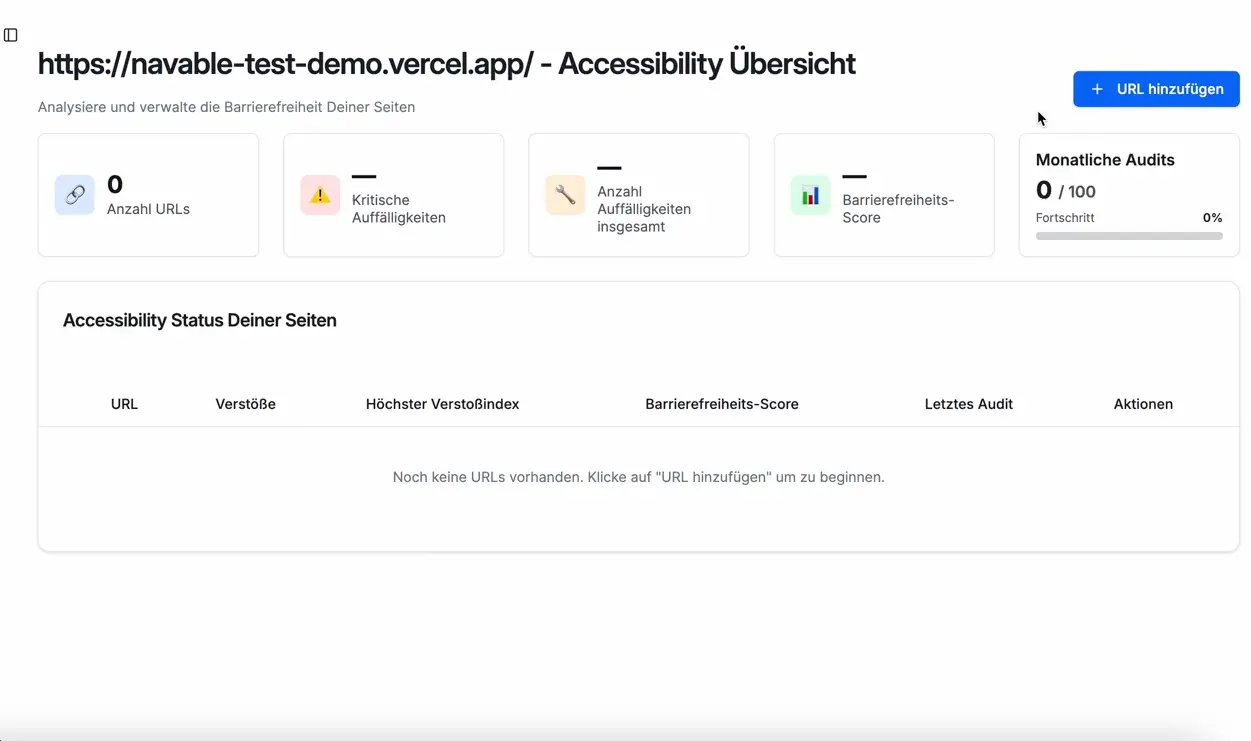
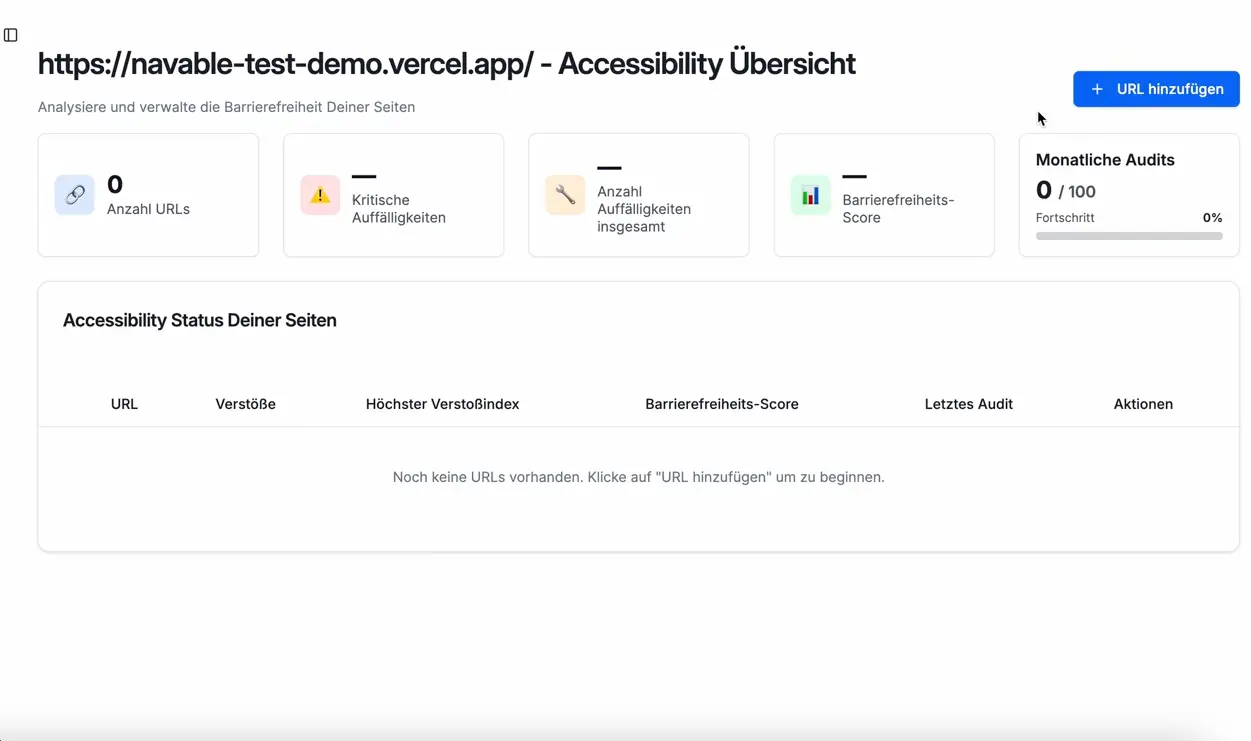
Audit Tool Demo
navable identifies complex WCAG barriers, prioritizes them into clear tasks, and delivers instantly applicable code solutions to your team.
From URL to developer‑ready fixes in 4 steps
No installation, no learning curve, full process control
1. Add or make your site crawlable
Import URLs or connect your domain. navable requires no installation and no code changes – the AI PathFinder navigates through your product on its own.
2. Deep real‑browser audit
The audit doesn’t just check static pages, it interactively navigates through user flows, logins and mobile views – powered by axe‑core and our semantic AI.
3. Retrieve developer tasks
Get prioritised findings with exact DOM selectors and copy‑paste fix prompts for your IDE – or sync them directly to Jira, GitHub or Notion.
4. Monitoring & compliance documentation
Automated re‑scans protect you against regressions. Generate legally structured accessibility statements or VPATs directly from your audit data.
BFSG Compliance Starts With an Audit
Germany's accessibility law requires documented conformity assessments
Under the BFSG (Barrierefreiheitsstärkungsgesetz), companies must perform and document a conformity assessment before claiming any §17 disproportionate burden exemption. Without audit evidence, authorities have no basis to evaluate — risking fines and enforcement action.
navable provides automated WCAG checks with structured documentation — a practical, affordable first step toward compliance. Use the reports as evidence of ongoing accessibility efforts, or as a foundation before commissioning a manual expert audit.
Simple, Transparent Pricing
Start scanning today — upgrade as your needs grow
Basic
For Single SMBs (7-day free trial)
Prices shown per month when subscribing for 1 year
- navable Widget
- Page visits: 100,000
- Number of supported pages: unlimited
- Automatic Progressive Accessibility Enhancements
- navable Audit
- Number of Audits per Month: 50
- On-Demand Scans
- AI Fix Prompts for IDEs
- navable Accessibility Statement AI Generator
- LLM (AI Model): Standard
- General
- Support: Email support
Pro
For Growing SMBs (7-day free trial)
Prices shown per month when subscribing for 1 year
- Everything in Basic
- navable Widget
- Page visits: 1,000,000
- Customizable
- No Branding
- navable Audit
- Number of Audits per Month: 100
- Scheduled Audit Runs
- Reporting (Download + Mail)
- Analytics / History
- AI Semantic Web Accessibility Analysis
- AI Path Finder (Flow Audits)
- Multi-Stage State Audits (Single URL)
- navable Accessibility Statement AI Generator
- LLM (AI Model): Premium
- General
- Support: Priority email support
Business
For bigger SMBs and Enterprises
Contact Us
Custom extensions and pricing available
- Everything in Pro
- navable Widget
- Page visits: unlimited
- navable Audit
- Number of Audits per Month: Custom
- Webhook Integration for Audit Runs
- VPAT AI Generator
- General
- Support: Priority support