WCAG audits for websites and web apps
navable tests websites and web apps in real browsers, including login areas and dynamic states. Your team gets prioritized findings and AI fix prompts for the IDE. Manual testing and assessing legal requirements remain part of your work.
Real-browser WCAG scanning, across six categories
Every audit runs in a real browser and combines multiple scan engines with AI rules — checking the criteria that matter with far higher confidence than single-engine tools.
Beyond text: seeing controls and focus
Borders, icons and focus indicators need at least 3:1 contrast against the adjacent colour when they identify a control or its state. Decorative borders and disabled controls are exempt. Check focus and selected states manually too.
Built for Teams That Ship Accessible Code
Everything you need to find, fix, and track accessibility issues across your entire website

AI Fix Prompts
Every finding comes with a copy-paste prompt for AI code editors (Cursor, Windsurf, GitHub Copilot). Paste into your IDE, get the fix — no accessibility expertise required.
Manual audits: With a system instead of starting from scratch
navable does not replace experts – we give them a decisive head start. Our AI pipeline pre‑populates audit verdicts automatically so auditors can focus on validation instead of laboriously documenting every single point by hand.
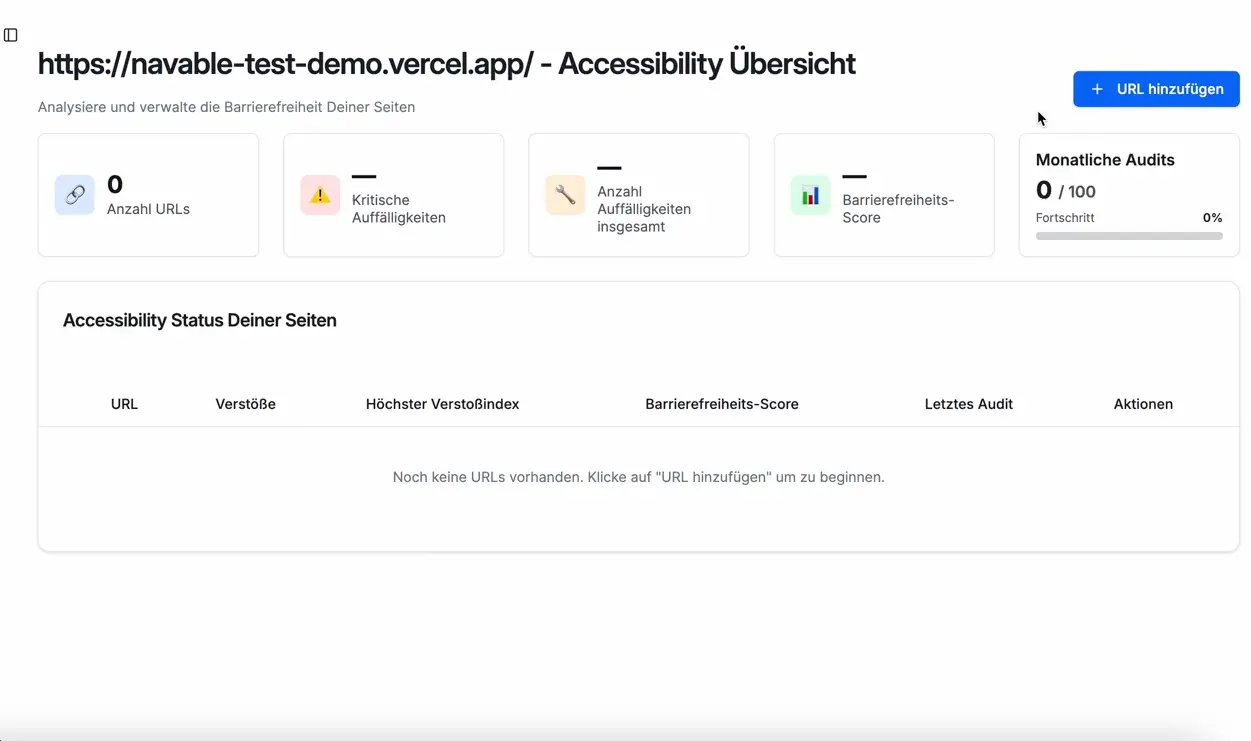
Audit Tool Demo
navable identifies complex WCAG barriers, prioritizes them into clear tasks, and delivers instantly applicable code solutions to your team.
From URL to developer‑ready fixes in 4 steps
No installation, no learning curve, full process control
1. Add or make your site crawlable
Import URLs or connect your domain. navable requires no installation and no code changes – the AI PathFinder navigates through your product on its own.
2. Deep real‑browser audit
The audit doesn’t just check static pages, it interactively navigates through user flows, logins and mobile views – powered by axe‑core and our semantic AI.
3. Retrieve developer tasks
Get prioritised findings with exact DOM selectors and copy‑paste fix prompts for your IDE – or sync them directly to Jira, GitHub or Notion.
4. Re-test and document
Automated re‑scans protect you against regressions. Generate legally structured accessibility statements or VPATs directly from your audit data.
The website testing guide helps you plan test scope and manual checks. Audit runs the automated checks and manages findings.
Technical findings for your documentation
An audit report documents test results. It is not a certification.
Simple, Transparent Pricing
Start scanning today — upgrade as your needs grow